You plan to walk after work, but the afternoon fills up and the walk disappears. A glance at your wrist might help you notice that pattern and make room for a few minutes outside.
The best fitness trackers for women should fit the way you actually move. You might want a small band for steps and reminders, a larger screen you can read easily, or a watch that records walks without your phone.
These five picks cover different needs, with clear trade-offs in comfort, charging, apps, and phone compatibility.
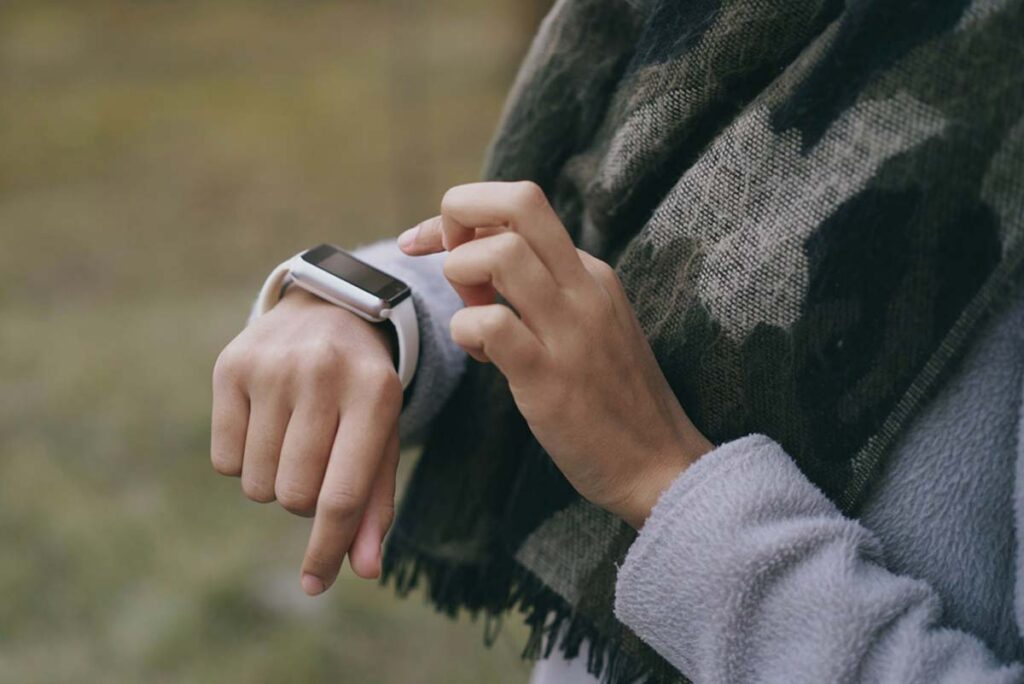
Photo by Ketut Subiyanto on Pexels
In This Article
Affiliate Disclosure
As an Amazon Associate, I earn from qualifying purchases. This article contains affiliate links, which may earn BloomHerLife a commission at no extra cost to you. Thank you for supporting BloomHerLife.
Quick Comparison
| Tracker | Best fit | GPS | Claimed battery life |
| Fitbit Inspire 3 | Simple daily tracking | Uses your phone | Up to 10 days |
| Amazfit Bip 6 | Large screen and value | Built in | Up to 14 days with typical use |
| Garmin vivoactive 6 | Walking and workout guidance | Built in | Up to 11 days in smartwatch mode |
| Fitbit Charge 6 | Workout tools in a band | Built in or phone GPS | Up to 7 days |
| Apple Watch SE 3 | iPhone integration | Built in | Up to 18 hours of normal use |
Battery figures are manufacturer claims under different test conditions, rather than results from a shared test. GPS, display settings, notifications, and workout use can shorten battery life.
How We Chose These Trackers
We compared manufacturer specifications, the new-device offers available during selection, and positive and critical customer reviews. We focused on everyday usefulness, screen readability, wrist fit, charging, phone compatibility, and app costs.
This is a research-based buying guide; we have not carried out hands-on or laboratory testing. The labels describe different uses, and customer reviews help identify practical frustrations rather than establish medical accuracy.
Five Fitness Trackers for Everyday Movement
Fitbit Inspire 3 for Simple Daily Tracking
The Inspire 3 is our starting point for someone who wants a small band for daily steps, movement reminders, and sleep tracking. Its narrow shape is easier to accommodate than a large watch, especially if you prefer something discreet during work or overnight.
Google’s Inspire 3 features include a color display, heart-rate tracking, and up to 10 days of battery life; outdoor GPS routes require your phone.
The customer reviews we examined include praise for lightness and comfort, alongside complaints about the small screen and app changes. Choose it if basic tracking matters most and you are comfortable reading more detail in the Google Health app.
Selected version: Midnight Zen/Black, with small and large bands.
Amazfit Bip 6 for a Large Screen and Value
If you find a narrow band difficult to read, the Bip 6 gives your steps and workout information more room. It is our value pick for someone who wants a watch-style display and GPS for outdoor walks.
Amazfit’s Bip 6 specifications list a 1.97-inch AMOLED screen, built-in GPS, and up to 14 days of battery life with typical use.
Core tracking in the Zepp app does not require a subscription, although optional paid services are separate. The larger case deserves a wrist-size check before ordering.
Reviewers praised the screen, battery, and value, while some reported setup difficulties, inconsistent tracking, or problems after water exposure. We would choose it primarily for everyday movement and walking; a water-resistance rating is not a guarantee against damage.
Selected version: Bip 6, Black.
Garmin vivoactive 6 for Walking and Workout Guidance
The vivoactive 6 is the upgrade option for readers who want more structure around regular exercise. It makes most sense when you will use its guidance for walks or workouts, rather than mainly checking your step total.
Garmin’s vivoactive 6 features include suggested walking workouts, animated exercise guidance, built-in GPS, and up to 11 days of battery life in smartwatch mode.
The reviews we examined often praised battery life and the range of fitness information. Other buyers described a learning curve, sensor or syncing problems, and estimates that did not match their expectations.
A higher price can buy more functions without making daily use simpler. Give the Garmin extra consideration if you enjoy reviewing your activity and learning the app.
Selected version: Slate with Black Band.
Fitbit Charge 6 for Workouts in a Band
The Charge 6 is for someone who likes a band but wants more workout tools than the Inspire 3 offers. It can also share heart-rate readings with select compatible exercise machines.
Google’s Charge 6 features include more than 40 exercise modes, built-in GPS, and up to seven days of battery life.
Its limitations deserve attention: the review sample included GPS connection problems, battery and charging complaints, and frustration with the app. Google’s GPS troubleshooting guidance explains that built-in GPS uses more battery and suggests phone GPS when the tracker cannot connect.
We would consider it for a mix of daily movement and workouts, while weighing those GPS limitations carefully if recording walks without your phone is the main reason for buying.
Selected version: Obsidian/Black, Tracker.
Apple Watch SE 3 for iPhone Users
The SE 3 is our iPhone pick for someone who wants activity tracking alongside familiar calls, messages, and apps. The selected 40mm case offers a smaller watch option, although the strap still needs to fit your wrist.
Apple’s SE 3 specifications list built-in GPS, an always-on display, and up to 18 hours of normal battery use.
That means planning a daily charging window, especially if you want to track sleep. Apple currently lists an iPhone 11 or later, including iPhone SE models from the second generation onward, with iOS 27 or later; check the current requirements before ordering.
The reviews we examined praised iPhone integration, comfort, and activity tracking. Critical reviews highlighted battery expectations, charging problems, and setup complexity, so allow time to adjust the settings and reminders.
Selected version: GPS 40mm, Starlight Aluminum Case, Sand Sport Band S/M, without AppleCare+.
Choose a Tracker You Will Actually Wear
Start with your phone, then your wrist. Check the current app requirements and strap measurements, and choose a screen you can read at a quick glance.
For a small band: begin with Inspire 3, or consider Charge 6 if workout tools justify the extra features.
For a larger display: compare the Bip 6 with the watch-style options, checking case dimensions as well as screen size.
For structured exercise: consider whether you will use the Garmin’s walking and workout guidance.
For iPhone integration: weigh the Apple Watch’s convenience against its daily charging routine.
Charging time belongs in the buying decision. A watch left on its charger cannot record the walk you bought it to track.
If you want cycle logging, check feature availability and the app’s data settings before enabling it. There is no single wrist size or feature list that suits every woman.
For help deciding which movement numbers matter to you, read our guide to active minutes vs steps.
Try This Today
Before choosing a tracker, use your phone or a simple pedometer to note three ordinary days of movement. Pick one comfortable five-minute walking break you could repeat, then decide which features would help you keep it.
Use the Numbers to Build a Habit
A tracker can make a quiet afternoon at your desk more visible. The next useful step might be a short walk after lunch or a movement break between calls.
A BMJ review of 121 trials found that activity-monitor interventions increased physical activity by the equivalent of about 1,235 daily steps on average.
Evidence certainty for that outcome was low, and publication bias may have inflated the estimate. It is an average across interventions, not a promise for any tracker in this guide.
There is also a useful clinical example: Johns Hopkins cardiologist Seth Martin and colleagues studied 48 cardiology outpatients in the mActive randomized trial.
Adding personalized coaching texts increased steps beyond tracking alone during the short trial. For everyday use, that supports pairing a tracker with a specific action you can repeat, rather than relying on the purchase itself to change your routine.
Keep health scores in context, too: the AMA’s physician guidance explains that wearable data can help identify patterns, but should not be used alone for diagnosis or treatment decisions.
If a clinician has given you exercise limits, ask which monitor and measurements to use. Our guides to fitness tracker heart rate and fitness tracker calories explain how to interpret those estimates.
Frequently Asked Questions
Can I leave my phone at home while I walk?
After setup, these devices can record activity away from your phone, but that does not give every feature an independent connection. Inspire 3 uses your phone for GPS routes; the other four have built-in GPS, while calls, messages, maps, and syncing have their own connection requirements.
Do I need Google Health Premium for everyday Fitbit use?
No: the Google Health app offers free activity, sleep, and health tracking, with a separate Premium membership for additional coaching and personalization.
Check which features you want before relying on an included trial, and review its renewal terms.
Do I have to reach 10,000 steps every day?
No: Johns Hopkins’ tracker advice recommends choosing a goal that fits your starting activity level and health.
A step goal should fit your starting point. If a health condition limits movement, agree on a suitable plan with your healthcare professional.
Final Thoughts
Choose the tracker that fits your phone, wrist, and charging routine before paying for extra functions. A simple band may cover what you need; a larger watch earns its place when its screen or guidance helps you follow through.
Start with one repeatable movement habit and give yourself time to learn the device. Keep the goal small enough to repeat on a busy day.
Which tracker would fit your everyday routine?
Tell us whether comfort, battery life, or a clear screen matters most.
Share your pick in the comments.