You finish a 30-minute walk, check your wrist, and see 247 calories. Your friend walked beside you, yet her tracker shows 180. Later, a strength workout leaves your legs tired but earns a smaller number. Was the walk really more effective?
Those figures can feel like a verdict on your effort. Fitness tracker calories are estimates, built from sensor data and information about your body.
Understanding how they are calculated helps you decide what deserves attention, what to compare, and when to leave the number alone.
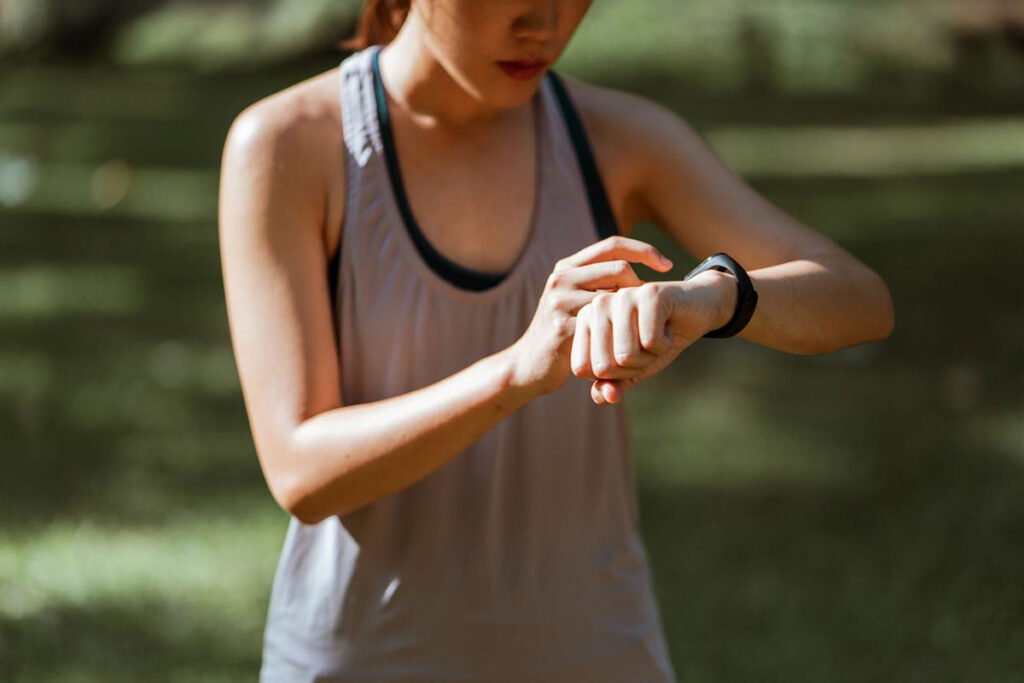
Photo by Vitaly Gariev on Unsplash
Why Fitness Tracker Calories Vary
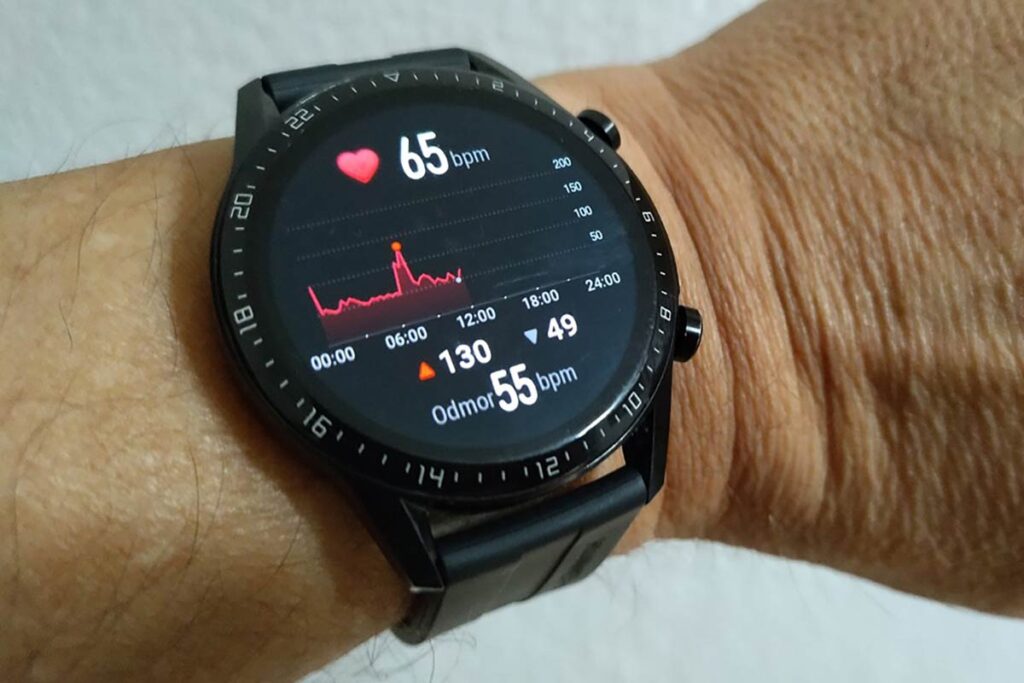
Your watch estimates energy use from movement, heart rate and details such as height and weight, as Harvard’s biomechanics researchers explain. A precise-looking number can still be a rough estimate.
Even a useful fitness tracker heart rate reading leaves another calculation between your pulse and a calorie total. The software has to translate that information into energy expenditure, and its assumptions may not fit your body or activity closely.
In a 2026 PLOS One study, researchers compared four smartwatch models with breath-analysis equipment in 58 adults during stationary cycling and found substantial calorie-estimation errors. The participants were mostly young adults, and this was one short cycling test, so the findings have limits across other people and workouts.
In a Cleveland Clinic interview, sports medicine physician Michael Dakkak, MD, explains that calorie estimates require more detail than trackers can collect.
Check Which Calories You Are Comparing
Before comparing totals, read their labels. Garmin’s official definitions distinguish three categories:
| Label | What it includes |
|---|---|
| Active calories | Energy attributed to physical activity and movement |
| Resting calories | Energy used for basic functions such as breathing and circulation |
| Total calories | Active calories plus resting calories |
A workout summary may include both active and resting energy for that session. Compare the same category over the same time span. Even then, your friend’s result is not a target for your body.
If one screen shows the whole day’s total and another shows only a workout, the difference starts with what is being counted, before accuracy enters the picture.
Make the Estimate More Useful
Apple’s measurement guidance recommends keeping personal details current, choosing the workout mode that best matches the activity and wearing the watch with good skin contact. Follow your own manufacturer’s instructions; better inputs can improve the estimate without making it exact.
For a more useful training record:
- Compare similar sessions on the same device, while allowing for changes in its accuracy.
- Record walking time, distance and how manageable the pace feels.
- For strength work, note weights, repetitions and technique.
Our guide to active minutes vs steps explains two other ways to make sense of your activity.
A low calorie total does not erase a useful workout. Completing your planned sets or walking a familiar hill more comfortably gives you something concrete to track alongside the screen.
Try This Today
Before your next session, choose one goal unrelated to calories, such as finishing your planned route or completing your sets with controlled form. Afterwards, write down how it went before opening the calorie summary.
Frequently Asked Questions
Why do my treadmill and watch show different calories?
Mayo Clinic’s workout Q&A explains that treadmill calorie counts are also estimates influenced by personal factors. Machines and watches can use different inputs and formulas, so a disagreement alone cannot show which is closer.
Should I eat back every calorie my tracker reports?
Avoid treating the figure as an exact food allowance. Long or demanding sessions may require planned fueling, so a registered sports dietitian can help you match food intake to your training if you need individual guidance.
Can I fix the estimate by subtracting a set percentage?
A percentage from a study is not a personal calibration. Those results apply to the people, models and activities tested, so subtracting the same percentage each day can still give you a misleading number.
For a broader view than calorie estimates alone, browse our fitness tracker picks for women and consider which features would be useful in your daily movement routine.
Final Thoughts
Let calorie estimates add context to your routine. Keep your attention on the movement you complete, the skills you build and how you recover. Your progress deserves more than one number.
Does your tracker’s calorie count ever surprise you?
Tell us which number you tend to check first.
Share one sign of progress you notice beyond the screen.